

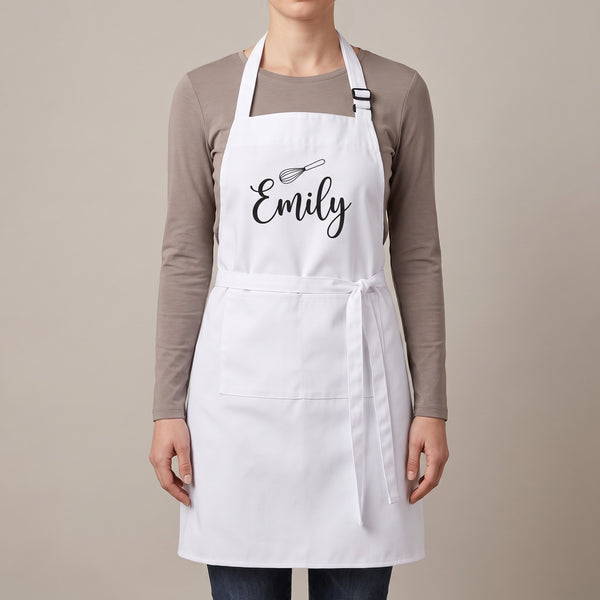
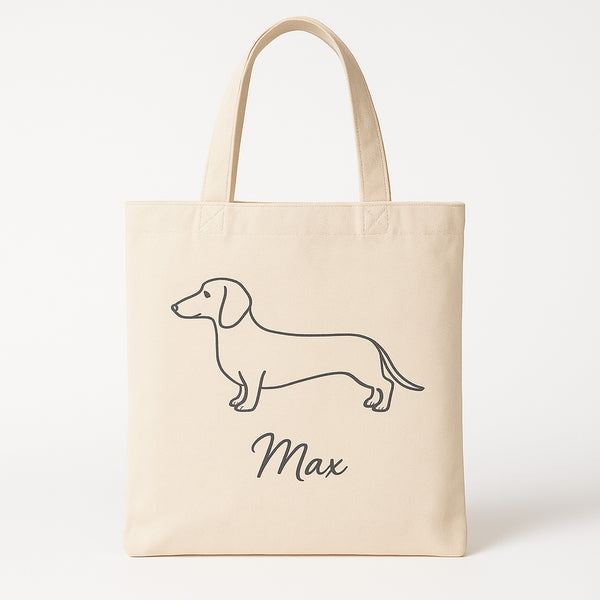

Most small-business print problems are file problems, and most file problems come down to one thing: the logo that was sent is a small picture of a logo, not the logo. This guide explains the three file types you will meet, what a transparent background actually is, and exactly what to ask your designer for, so a logo prints cleanly on an apron, a t-shirt, an acrylic sign or a glass.
SVG: the one to ask for
An SVG is a vector file: the logo is stored as shapes, not pixels, so it can be printed at any size with perfectly crisp edges. If your designer made the logo, they have an SVG (or an AI or EPS file, which they can export to SVG in ten seconds). It is the file to send for anything that will be printed at chest size or larger.
PNG: fine, if it is big and transparent
A PNG is a pixel file that can have a transparent background. It prints well if it is large enough (for a chest logo, at least 1,500 pixels wide; for a small sign, 800 is enough) and if the background is genuinely transparent rather than white. The tell: open the PNG on a phone and look at the corners. A grey-and-white chequerboard, or the logo floating on whatever is behind it, means transparent. A white box means not.
JPEG: usable, with a catch
A JPEG cannot store transparency, so a JPEG logo always comes with a background, usually white. On a white product that is invisible; on a black apron, a coloured shirt or a clear sign, it prints as a white rectangle with the logo inside it. Simple logos can be cut out of the box by hand before printing, and we do that as a matter of course; complex ones cannot be cleanly. If a JPEG is all you have, send it and say so in the note.
Why the website logo is too small
The logo on your website is sized for a screen, often 200 to 400 pixels wide, and it has been compressed. Printed at 20 cm on an apron it goes soft and blocky. The same is true of the logo from your Instagram profile and of any screenshot. The original file from the designer is always bigger than the one on the site.
The one email to your designer
"Please send the logo as an SVG, and as a PNG at least 2,000 pixels wide with a transparent background, in the full-colour version and in a single-colour (black) version." That covers every product we make, including the glass and the sign, which print best in one colour.
Colour and detail
One or two flat colours print sharpest on fabric and glass; gradients, shadows and photographic effects soften. Fine lines and tiny text (a strapline under the logo) disappear at apron scale. Ask for the flat, single-colour version of the logo if it has a gradient; you will use it more than the original. The upload guide covers what happens after you press the button, and ordering staff aprons with a logo covers the rest of a team order.
Every file is opened at print size before anything is printed, and we email if it will not reproduce well. Everything is printed to order in Cheshire, usually dispatched within one to four working days, with free UK delivery. If you are unsure which file you have, email it to support@larencraft.com and we will tell you.
Frequently asked questions
What is the best file type for printing a logo?
An SVG, because it is a vector and prints crisp at any size. Otherwise a PNG at least 1,500 to 2,000 pixels wide with a transparent background.
Can I use a JPEG logo?
Yes, with a catch: JPEG cannot store transparency, so it prints with a white box on dark or clear products. Simple logos can be cut out by hand; say so in the note.
Why does my logo print blurry?
Because it was taken from a website or social profile, where it is small and compressed. Ask the designer for the original SVG or a large PNG.


